
1. Document numbers in one list
You bought this module and need support? Click here

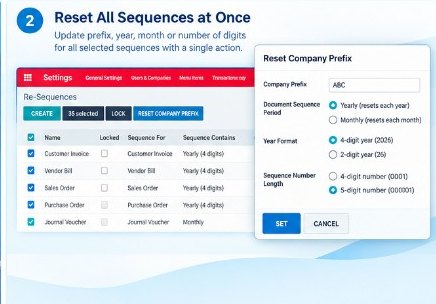
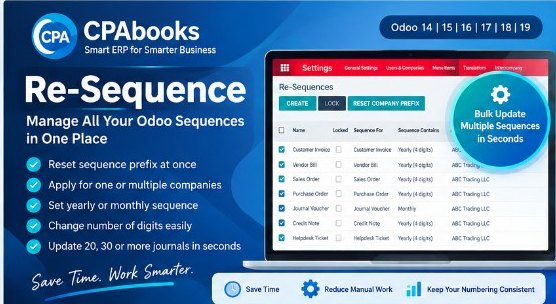
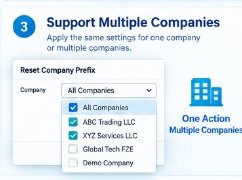
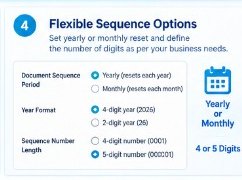
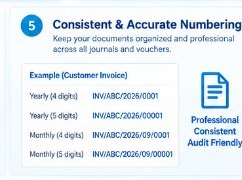
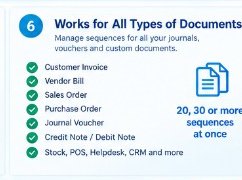
Manage all your Odoo sequences in one place. Reset prefix, year, month and digits for every selected journal in one action.
| Availability | Odoo Online Odoo.sh On Premise |
|---|---|
| Odoo Apps Dependencies |
|
| Community Apps Dependencies | Show |
| Lines of code | 7559 |
| Technical Name | re_sequence |
| License | LGPL-3 |
| Website | https://www.cpabooks.org |
Re-Sequence is a commercial app published by CPA Books.
This app is free. CPA Books confirms delivery and support for Odoo 14, 15, 16, 17, 18 and 19.
You may use the app on the Odoo database you buy it for. Redistribution, resale, or publishing the module on another app store is not included.
Support: [email protected] · WhatsApp +971 56 256 8128.
Copyright © CPA Books. All rights reserved.