
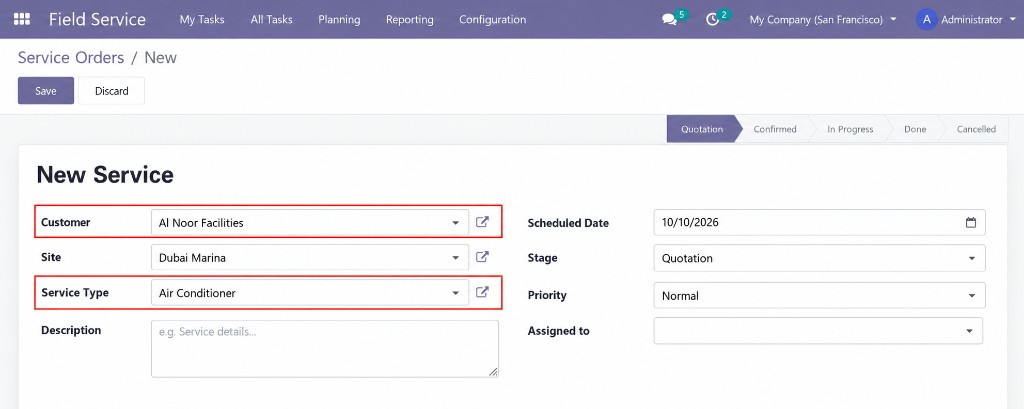
1. Register the complaint
A new service starts with the customer, the site, the service type and the visit date.

You bought this module and need support? Click here

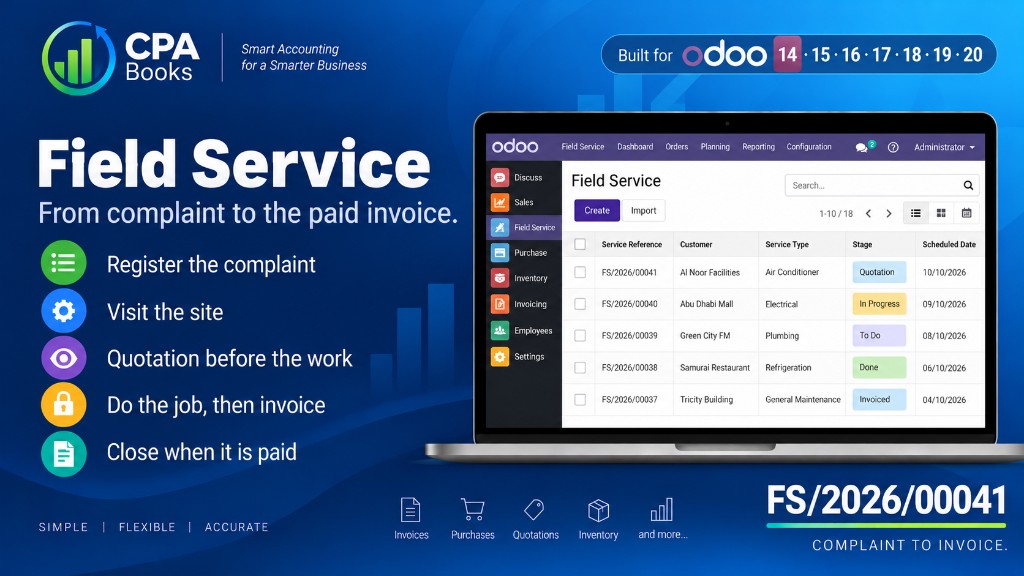
Register a complaint, visit the site, send a quotation, do the work and invoice.
A new service starts with the customer, the site, the service type and the visit date.
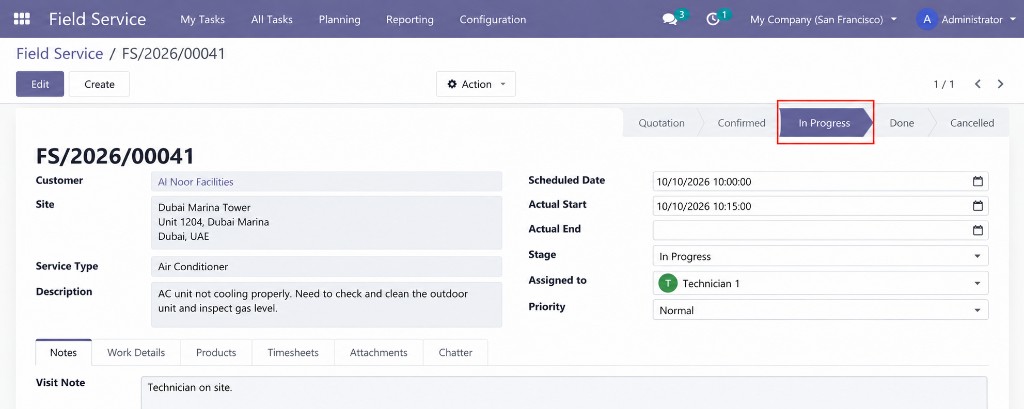
The technician opens the job, sees the address and marks the visit in progress.
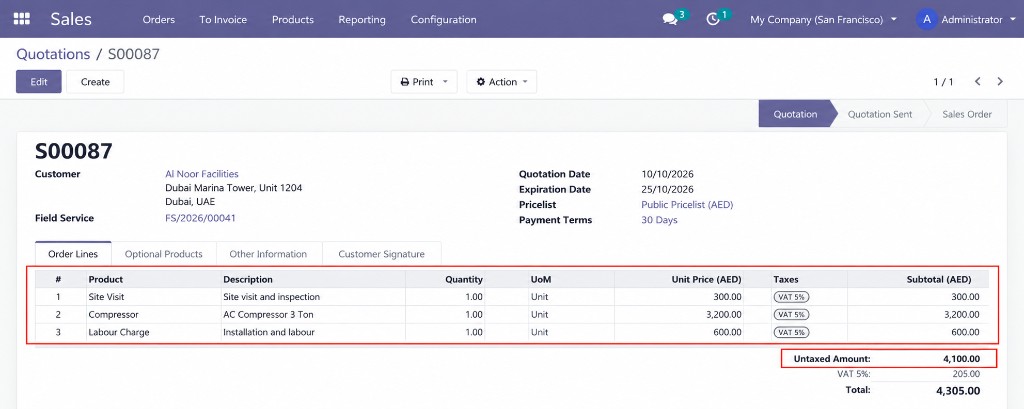
Lines for labour and parts are priced on a quotation before the job starts.
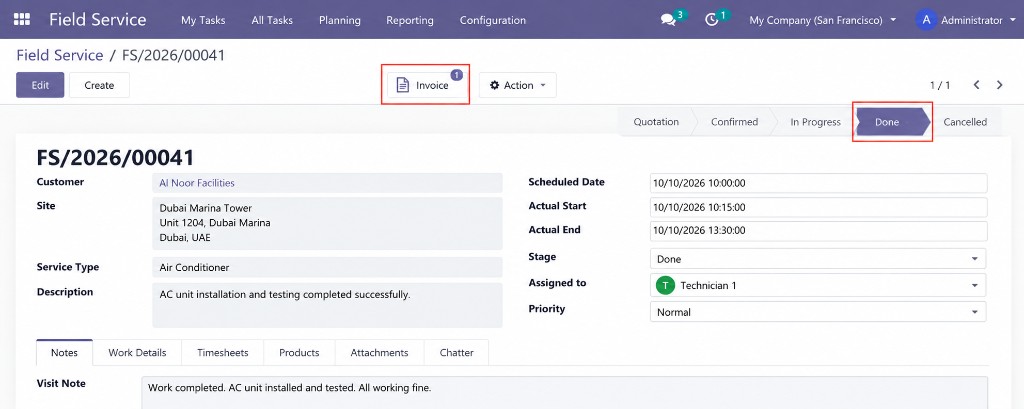
When the work is done the stage moves to Done and a customer invoice is created from the same job.
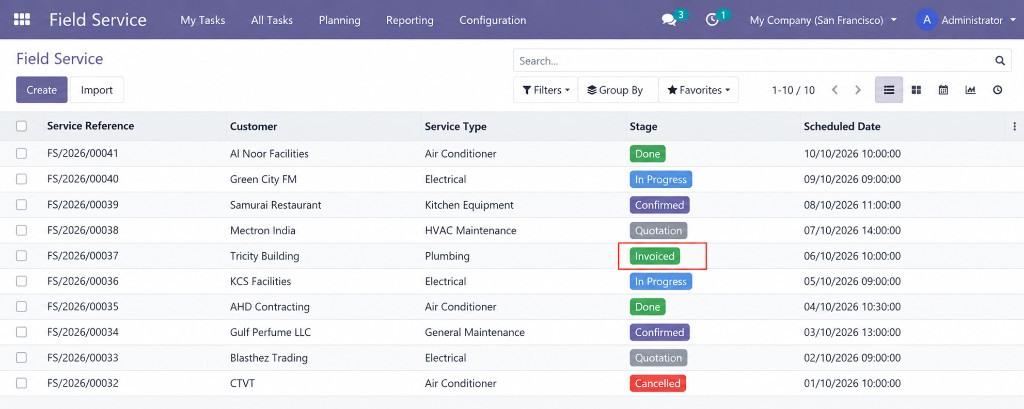
The list shows the job as Invoiced once the customer invoice is raised.
| Availability | Odoo Online Odoo.sh On Premise |
|---|---|
| Odoo Apps Dependencies |
|
| Community Apps Dependencies | Show |
| Lines of code | 15043 |
| Technical Name | field_service_cpa |
| License | LGPL-3 |
| Website | https://www.cpabooks.org |
Field Service is a free app published by CPA Books.
Support: [email protected] · WhatsApp +971 56 256 8128.
Copyright © CPA Books. All rights reserved.